Webinar: Automating document workflows with eScan
Join our 45-minute session on barcode separation, built-in OCR and one-tap routing to your existing systems.
Contact us to register →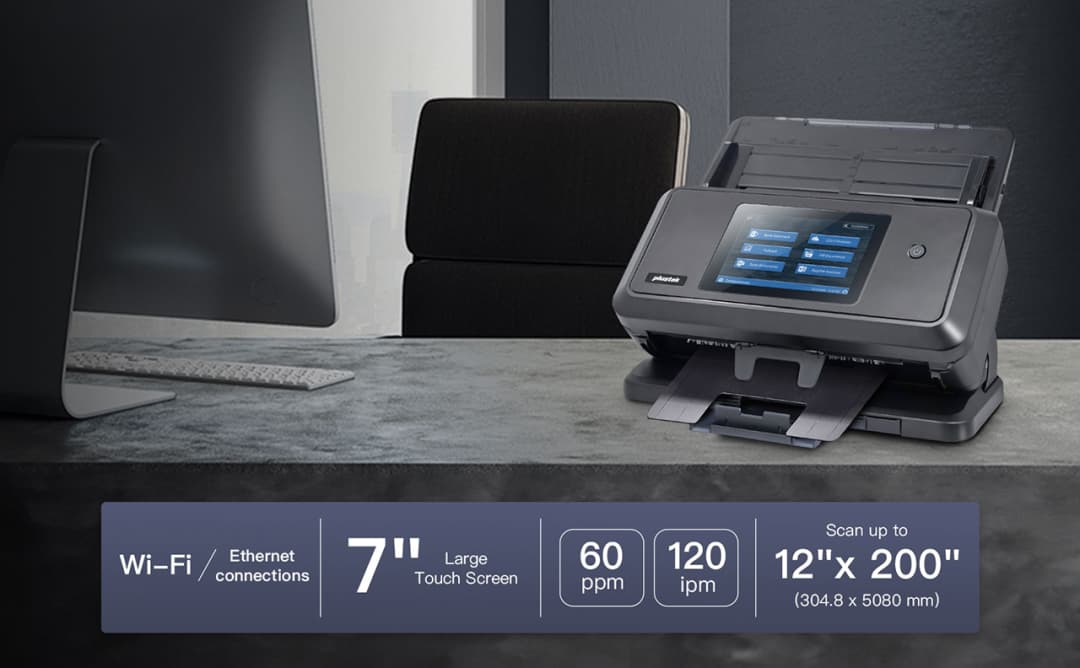
A large-format, PC-free network scanner with a 7" touchscreen and Wi-Fi. Capture documents up to 12" × 200" with built-in OCR, ultrasonic double-feed detection, and one-tap routing to SharePoint, Microsoft 365 and the cloud.
What the eScan A650 Pro does, and the specifications that matter when you compare.
A large colour touchscreen and dual Wi-Fi/Ethernet connectivity let you place the A650 Pro anywhere and scan straight into your workflow.
Handle documents up to 12" × 200" — engineering drawings, legal files, ledgers and long receipts — all in a single pass.
On-board OCR produces searchable PDFs and routes them to SharePoint, M365, email and cloud storage without a connected PC.
Ultrasonic double-feed detection and durable rollers keep big batches moving cleanly at up to 8,000 pages a day.
Scan directly to the platforms your team already uses — no middleware, no extra steps.


The eScan A650 Pro brings standalone, large-format capture to teams that handle more than everyday A4. With a 7" touchscreen, Wi-Fi and built-in OCR, it digitises oversized documents and routes them anywhere your business already works.

A generous colour display makes selecting workflows, previewing pages and editing scans effortless — right at the device.

Wi-Fi and Ethernet let you site the scanner wherever it is needed and still deliver straight to network and cloud destinations.
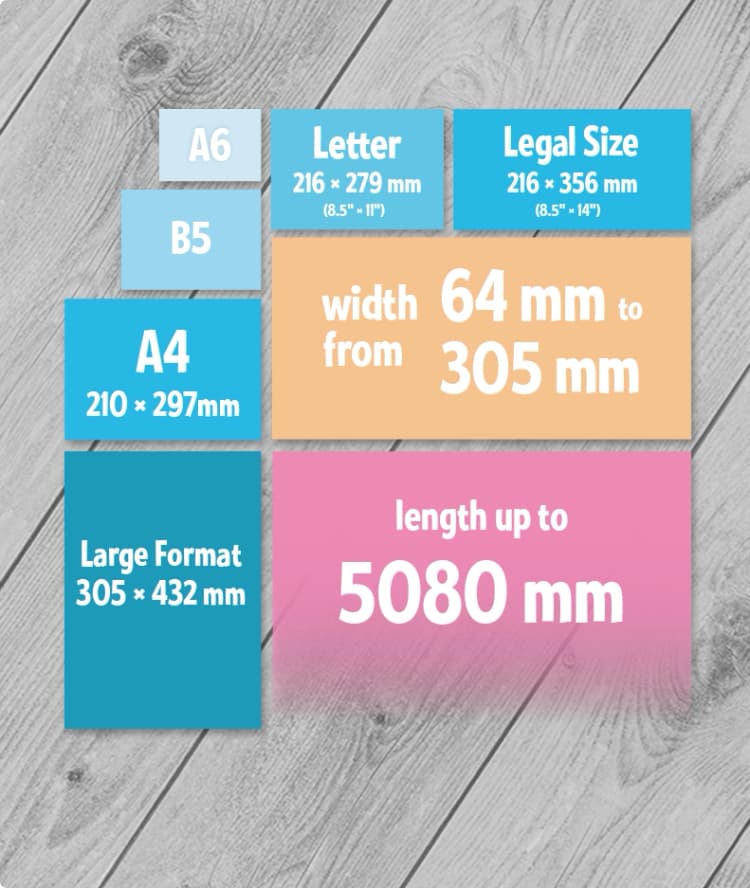
Automatic separation and routing keep oversized batches tidy, named and filed without manual sorting.
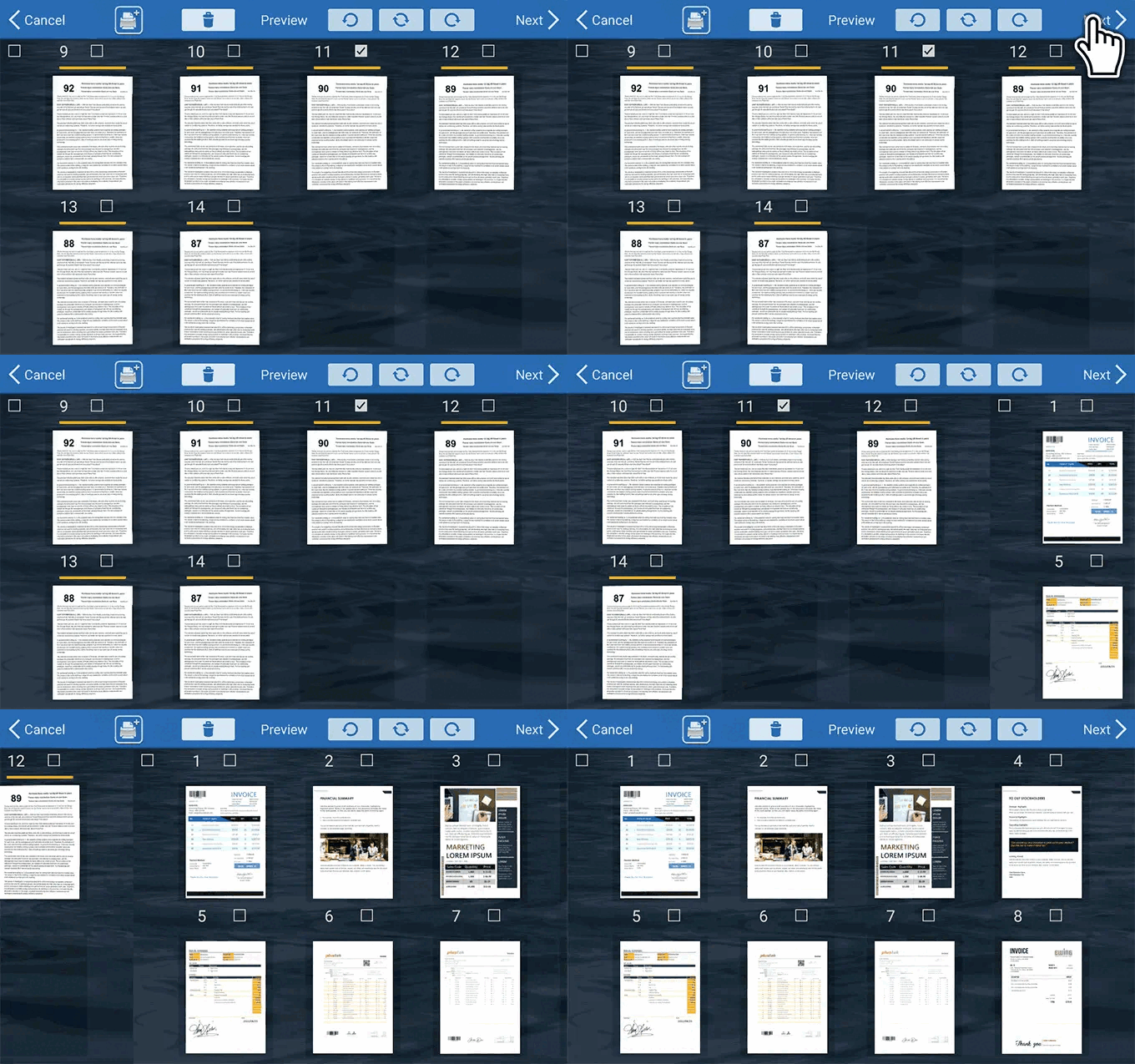
Rotate, crop, remove pages, insert more, or split scans into multiple files — easily from one location.
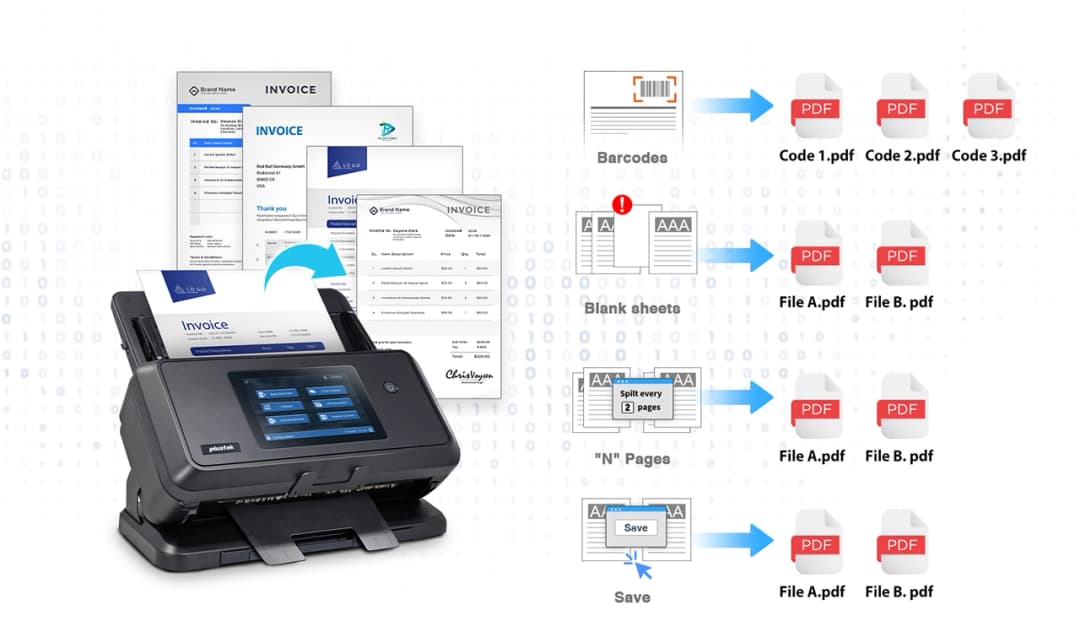
Automatically split batches, recognize barcodes, and route documents — reducing manual sorting to zero.
Reduce manual pre-sorting by using patch codes, blank pages, barcodes, and fixed page counts to split batches automatically.
Reads all major 1D and 2D barcode formats including QR, Code128, Code 39, Interleaved 2 of 5, and PDF417.
The full technical picture, plus datasheets and documentation.
| Scanning speed | 60 ppm / 120 ipm (200/300 dpi) |
|---|---|
| Optical resolution | 600 dpi |
| Duplex | Single-pass two-sided |
| ADF capacity | 100 sheets |
| Daily duty cycle | 8,000 pages |
| Max document | 12" × 200" (long-page mode) |
|---|---|
| Standard sizes | A3 / A4 / Letter / Legal |
| Paper weight | 40–413 g/m² |
| Double-feed detection | Ultrasonic |
| Network | Wi-Fi + Gigabit Ethernet |
|---|---|
| Display | 7" colour touchscreen |
| Destinations | SharePoint, M365, email, FTP/SFTP, SMB, cloud, USB |
| File formats | Searchable PDF, PDF/A, JPEG, TIFF, Office |
| On-board OCR | Yes |
See how the eScan models line up across size, speed and connectivity.
| Specification | eScan A450 Pro | eScan A650 Pro |
|---|---|---|
| Max scan size | A4 / Legal | A3 (12" × 200") |
| Optical resolution | 600 dpi | 600 dpi |
| Scan speed | 40 ppm | 60 ppm |
| Duplex speed | 2-Sided | 120 ipm |
| Daily duty cycle | 8,000 pages | 8,000 pages |
| Ultrasonic double-feed | — | ✓ |
| Built-in OCR | ✓ | ✓ |
| SharePoint / M365 | ✓ | ✓ |
| Cloud destinations | ✓ | ✓ |
| Touchscreen | ✓ | 7" colour |
| Wi-Fi | — | ✓ |
| Best for | Office document capture | Large-format, plans, legal |
Using long-page mode the A650 Pro captures documents up to 12" × 200", in addition to standard A3, A4, Letter and Legal sizes.
No. The A650 Pro is a standalone network scanner controlled from its 7" touchscreen; it routes documents directly to your destinations without a connected PC.
Yes. The A650 Pro supports both Wi-Fi and Gigabit Ethernet, so you can place it where it is most convenient and still scan straight to network and cloud locations.
Ultrasonic double-feed detection senses overlapping sheets and pauses the batch, protecting against missed pages during high-volume scanning.
Yes — Plustek Solutions provides on-site and remote demonstrations across the UK. Use “Book a demo” and our team will arrange one.
See how organizations use eScan to transform their document workflows.
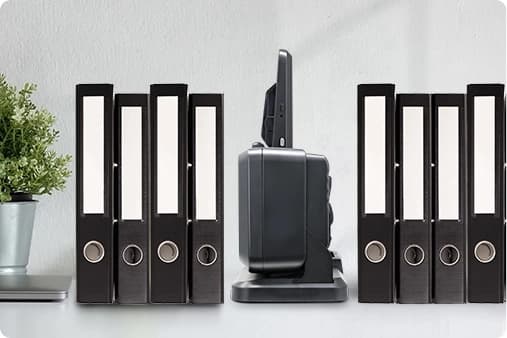
A restaurant group streamlined their invoice and receipt processing by scanning directly to cloud storage, eliminating paper filing and reducing admin time by 60%.
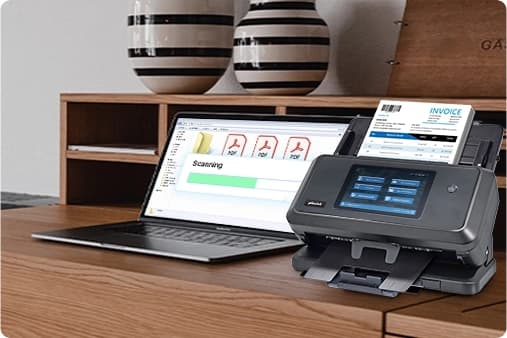
An auto dealership streamlined its document process by using eScan to digitize vehicle records, separate files with barcodes, and send them directly to SharePoint — boosting efficiency without relying on a PC.
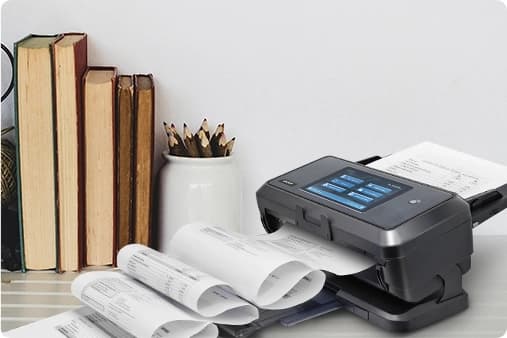
Plustek Technology Americas deployed eScan across multiple regional offices to standardize scanning workflows, ensuring consistent document quality and routing across the organization.
Manage profiles, destinations and users from one place. On-device workflows handle preview, editing, separation and routing, while central administration keeps every scanner consistent across sites.
Preview, rotate, crop, split and route — straight from the touchscreen, no PC required.
Roll out profiles and destinations across teams and locations, and keep firmware up to date.
Genuine consumable rollers to keep feeding reliable over high volumes.
Enquire →Keep document capture running. Our protection and support plans add extended cover and fast replacement, so a scanner issue never stalls your team.
Join our 45-minute session on barcode separation, built-in OCR and one-tap routing to your existing systems.
Contact us to register →The built-in-OCR office network scanner is now shipping to UK customers through Plustek Solutions, with local support and demos.
Request a demo →The latest eScan firmware adds prompted metadata fields on check-in, making library tagging faster and more consistent.
Read more →Complete this form and one of our Solution Experts will contact you.
Replace complex document workflows with a single, intelligent network scanner that connects directly to your existing systems.