Webinar: Automating document workflows with eScan
Join our 45-minute session on barcode separation, built-in OCR and one-tap routing to your existing systems.
Contact us to register →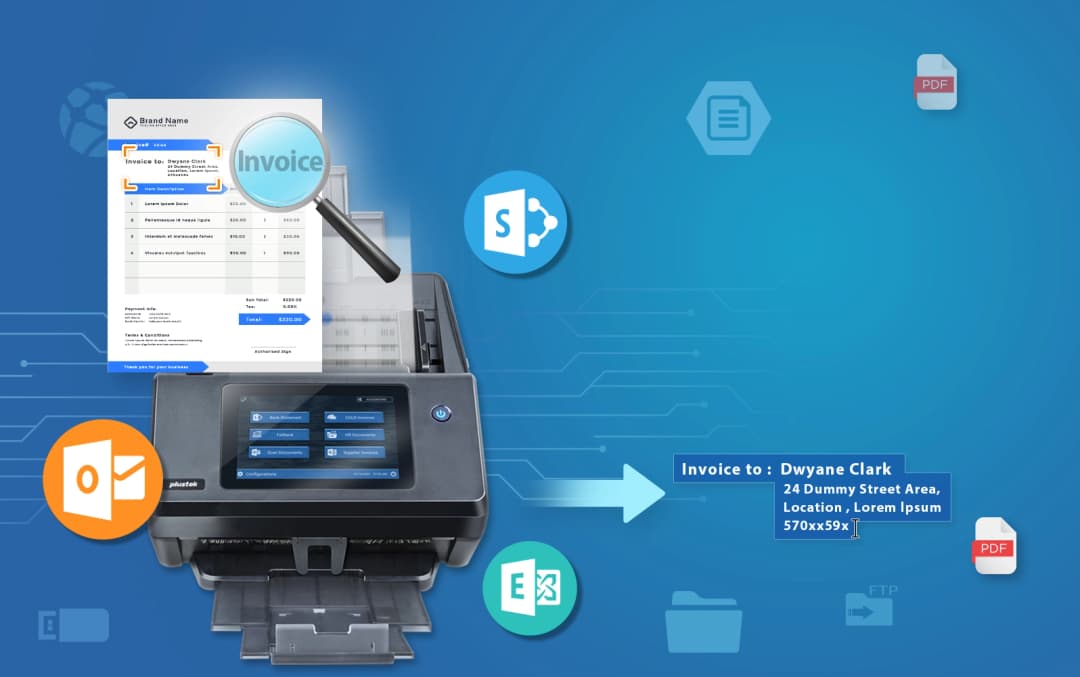
A standalone, PC-free network scanner with built-in OCR. Create searchable PDFs and route documents straight to SharePoint, Microsoft 365, email and cloud storage — all from a single tap on the touchscreen.
What the eScan A450 Pro does, and the specifications that matter when you compare.
Select a profile and scan from the built-in touchscreen. No PC, no driver install, no IT ticket — intelligent image processing delivers clean results every time.
On-board OCR converts every scan into a fully searchable PDF or editable file the moment it leaves the feeder — ready to find, archive and audit.
Send documents straight to SharePoint (on-prem or M365), OneDrive, Google Drive, Dropbox, Box, Azure, FTP and email — without any middleware.
Patch codes, blank pages, barcodes and fixed page counts split and route batches automatically, so high-volume capture runs without an operator.
Scan directly to the platforms your team already uses — no middleware, no extra steps.


The eScan A450 Pro is an all-in-one document-capture solution that lets you digitise and organise paper at the point of origin. With one tap it scans, processes and delivers clean, searchable documents to wherever your team already works.
Walk up, pick a workflow and scan. The colour touchscreen guides every job, so anyone on the team can capture documents without training.

Ethernet connectivity and native connectors put your network folders, SharePoint and cloud destinations one tap away — no PC in the loop.
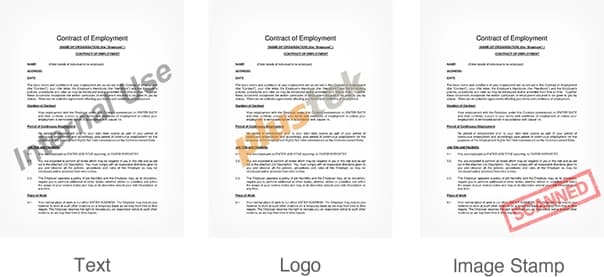
Automatic separation, naming and routing keep batches tidy and consistent, turning hours of manual filing into a single scan.
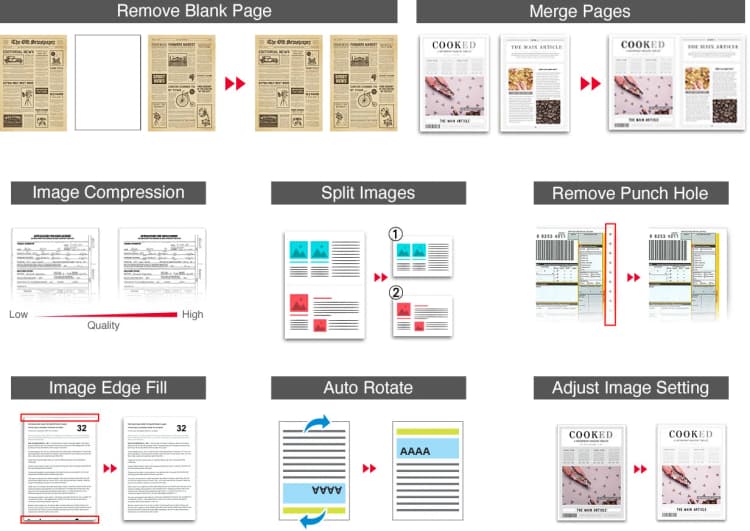
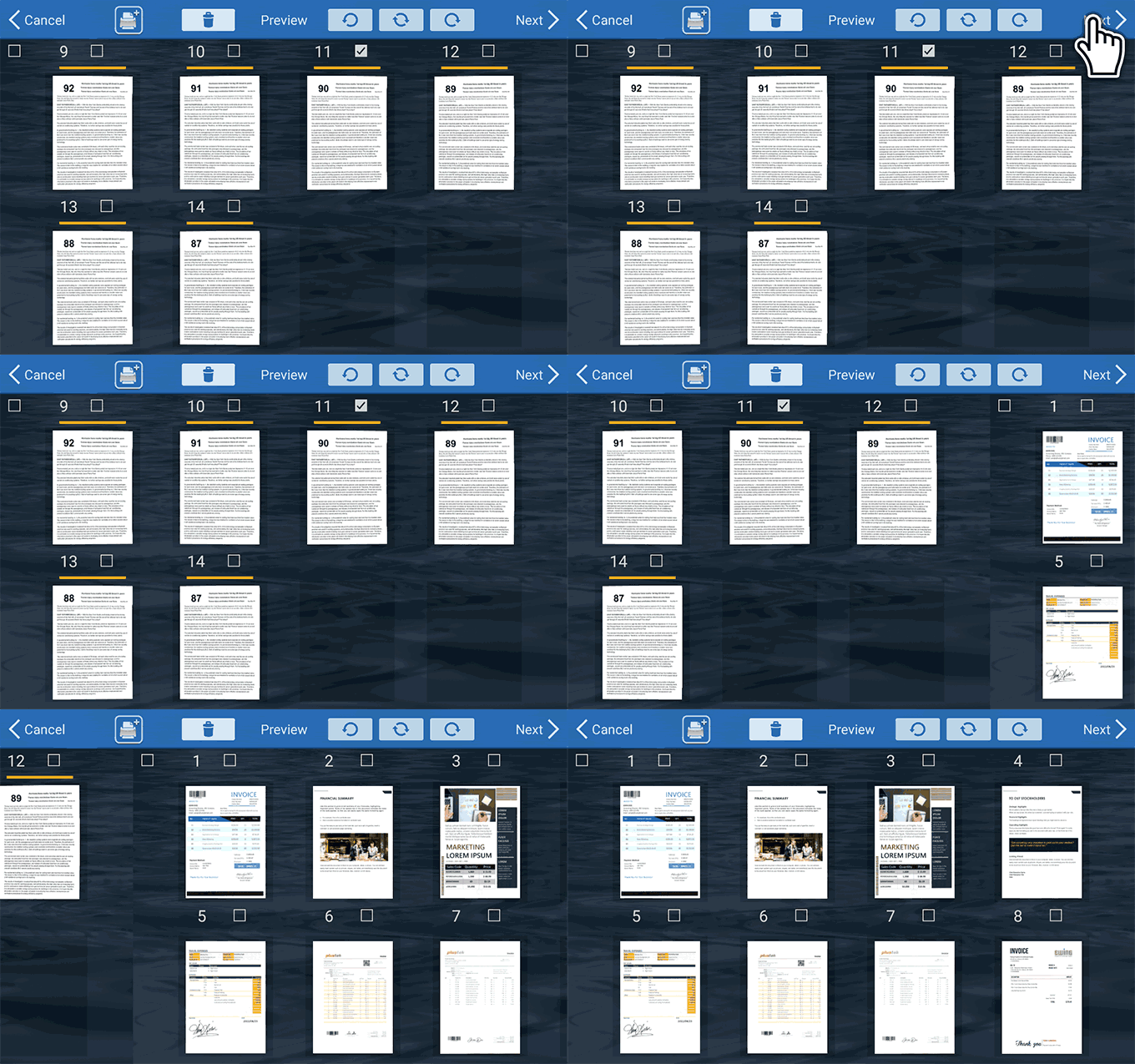
Rotate, crop, remove pages, insert more, or split scans into multiple files — easily from one location.
Automatically split batches, recognize barcodes, and route documents — reducing manual sorting to zero.
Reduce manual pre-sorting by using patch codes, blank pages, barcodes, and fixed page counts to split batches automatically.
Reads all major 1D and 2D barcode formats including QR, Code128, Code 39, Interleaved 2 of 5, and PDF417.
The full technical picture, plus datasheets and documentation.
| Scanning speed | 40 ppm / 80 ipm (200/300 dpi) |
|---|---|
| Optical resolution | 600 dpi |
| Duplex | Single-pass two-sided |
| ADF capacity | 100 sheets |
| Daily duty cycle | 8,000 pages |
| Paper size | A4 / Letter / Legal |
|---|---|
| Long page | Up to 3,000 mm |
| Paper weight | 40–413 g/m² |
| Double-feed detection | Ultrasonic |
| Network | Gigabit Ethernet |
|---|---|
| Destinations | SharePoint, M365, email, FTP/SFTP, SMB, cloud, USB |
| File formats | Searchable PDF, PDF/A, JPEG, TIFF, Office |
| On-board OCR | Yes |
See how the eScan models line up across size, speed and connectivity.
| Specification | eScan A450 Pro | eScan A650 Pro |
|---|---|---|
| Max scan size | A4 / Legal | A3 (12" × 200") |
| Optical resolution | 600 dpi | 600 dpi |
| Scan speed | 40 ppm | 60 ppm |
| Duplex speed | 2-Sided | 120 ipm |
| Daily duty cycle | 8,000 pages | 8,000 pages |
| Ultrasonic double-feed | — | ✓ |
| Built-in OCR | ✓ | ✓ |
| SharePoint / M365 | ✓ | ✓ |
| Cloud destinations | ✓ | ✓ |
| Touchscreen | ✓ | 7" colour |
| Wi-Fi | — | ✓ |
| Best for | Office document capture | Large-format, plans, legal |
No. The A450 Pro is a standalone network scanner — you operate it from the built-in touchscreen and it sends documents directly to your chosen destination without a connected PC.
On-device optical character recognition converts your scans into searchable, selectable text the moment they are captured, so the resulting PDFs can be searched and indexed without any extra software step.
SharePoint (on-premises and Microsoft 365), OneDrive, Google Drive, Dropbox, Box, Azure file storage, email (SMTP/Exchange), FTP/FTPS/SFTP, SMB network folders and USB drives.
You can split incoming batches using patch codes, blank pages, recognised barcodes or a fixed page count, and the scanner names and routes each resulting file automatically.
Yes — Plustek Solutions offers on-site and remote demonstrations across the UK. Use the “Book a demo” button and our team will be in touch.
See how organizations use eScan to transform their document workflows.
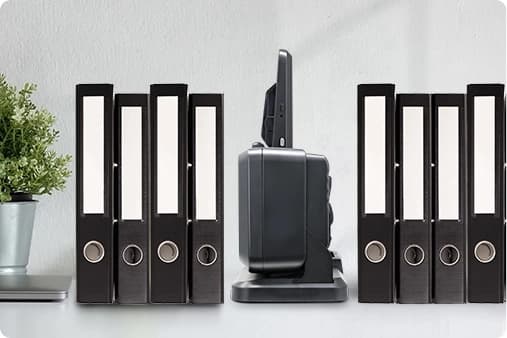
A restaurant group streamlined their invoice and receipt processing by scanning directly to cloud storage, eliminating paper filing and reducing admin time by 60%.
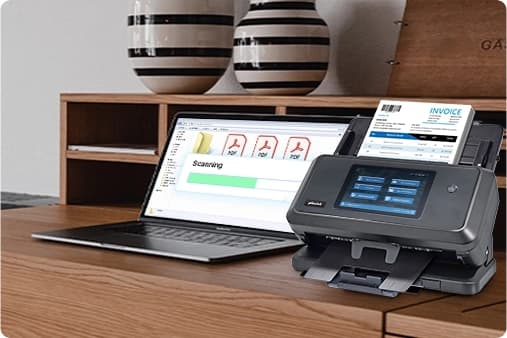
An auto dealership streamlined its document process by using eScan to digitize vehicle records, separate files with barcodes, and send them directly to SharePoint — boosting efficiency without relying on a PC.
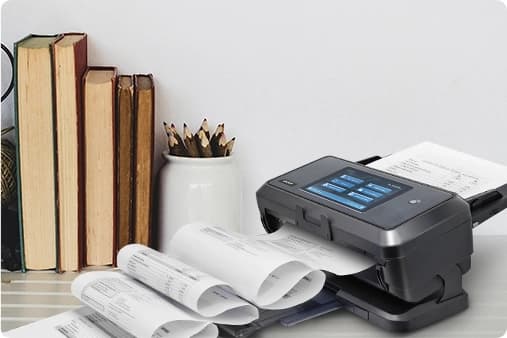
Plustek Technology Americas deployed eScan across multiple regional offices to standardize scanning workflows, ensuring consistent document quality and routing across the organization.
Manage profiles, destinations and users from one place. On-device workflows handle preview, editing, separation and routing, while central administration keeps every scanner consistent across sites.
Preview, rotate, crop, split and route — straight from the touchscreen, no PC required.
Roll out profiles and destinations across teams and locations, and keep firmware up to date.
Genuine consumable rollers to keep feeding reliable over high volumes.
Enquire →Keep document capture running. Our protection and support plans add extended cover and fast replacement, so a scanner issue never stalls your team.
Join our 45-minute session on barcode separation, built-in OCR and one-tap routing to your existing systems.
Contact us to register →The built-in-OCR office network scanner is now shipping to UK customers through Plustek Solutions, with local support and demos.
Request a demo →The latest eScan firmware adds prompted metadata fields on check-in, making library tagging faster and more consistent.
Read more →Complete this form and one of our Solution Experts will contact you.
Replace complex document workflows with a single, intelligent network scanner that connects directly to your existing systems.